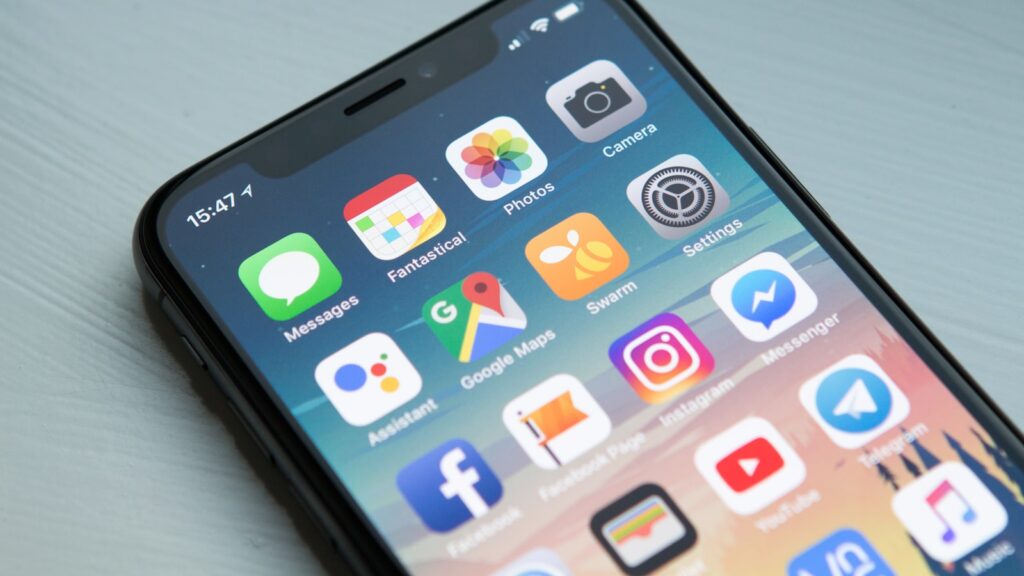
Lattica’s mobile apps for iOS and Android cover what mobile is good for — quickly checking what’s due, replying to a comment, snapping a photo into a task, marking things done — and skip what mobile is bad for.
What’s in the mobile app
- Today view — tasks due today and overdue, sorted by priority. The default screen.
- Inbox — comments and mentions you haven’t read.
- Search — full-text search across the workspace.
- Quick capture — task creation with optional photo, voice memo, or location.
- List, board, and calendar views — read and edit. Timeline is web-only.
- Push notifications — granular per-event-type, off by default.
What’s intentionally not on mobile
We tried timeline, dashboards, and the rules editor on phones. They didn’t work — too much information for the screen, too fiddly for fingers. They’re available on tablets in landscape, on the web from a mobile browser, and on the desktop app.
Offline mode
The mobile app keeps a local copy of your most recent 500 tasks. You can read them, mark them done, write comments, and add new tasks — all offline. Changes sync when you’re back online. If a sync conflict happens (someone edited the same task on another device), Lattica keeps both versions and asks you to pick.
Quick capture from anywhere
The iOS app registers a Share Sheet target — share any URL, photo, or text from another app and “Lattica” appears as a destination. The shared content becomes a new task in your default project, with a clickable back-link.
Android does the same via the system Share menu. Both platforms also support widgets: a “Today” widget for the home screen, and a “Quick add” tile for the lock screen / control center.
Apple Watch and Wear OS
Both platforms have companion watch apps for triaging notifications and ticking off tasks. Useful for standups; less useful for actual work. The watch apps are bundled — no separate download.